
100% local · nothing uploaded
Free QR Code Generator — No Sign Up
Make a Wi-Fi, link or text code and print it today. Add a logo if you want one. Everything runs in this tab. Nothing gets uploaded.
QR code builder
1 · Content
The scan opens this address in the phone's browser. A full address with https:// is the safest.
Useful for short notes: a table number, a voucher code, a one-line instruction.
2 · Design
Scan the preview with your phone to test it.
Pick a type and fill in the details to generate.
What you get
- 320 × 320 PNG, sharp at any print size
- Error correction at the top level, so a logo is fine
Where the codes end up
Most people print this code one of three ways. Each one fails for its own reason.
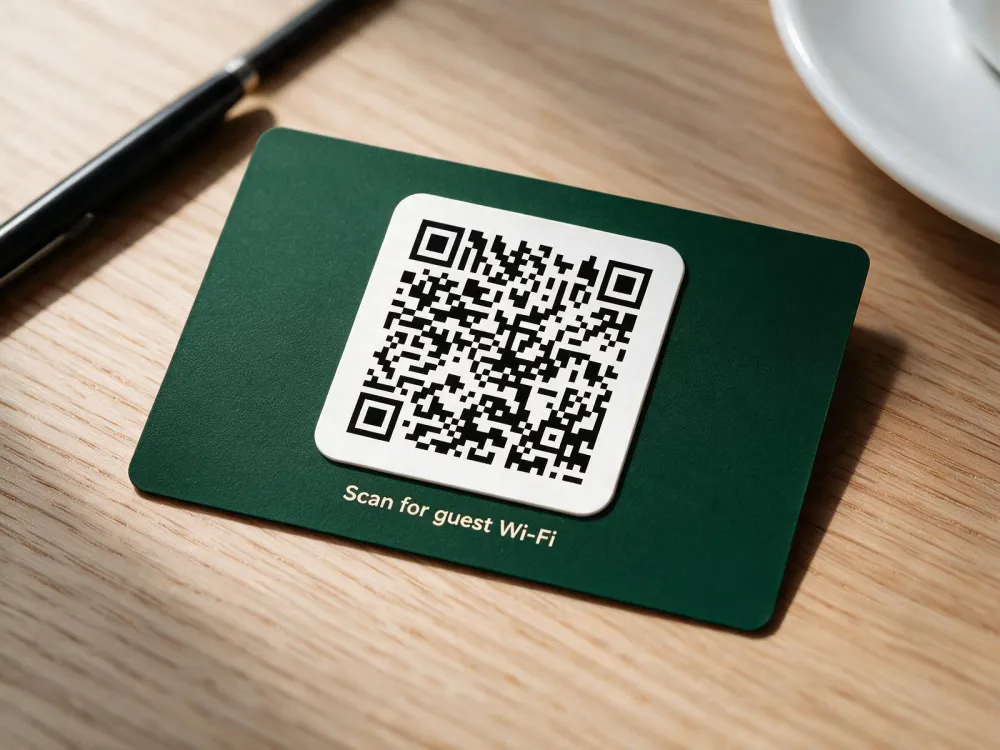
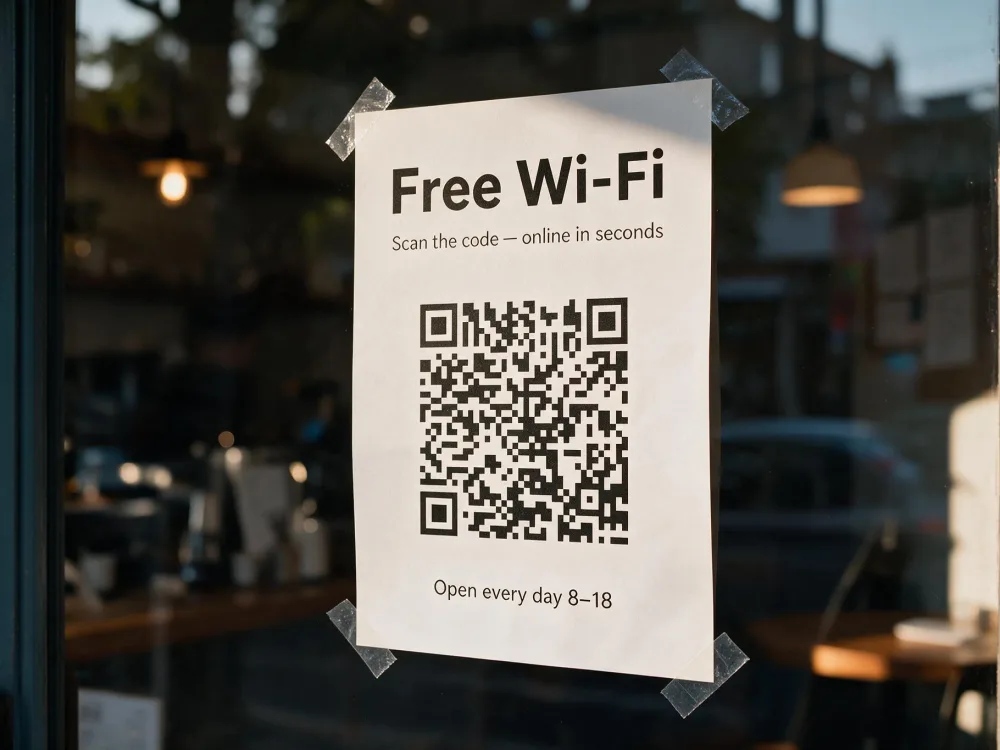
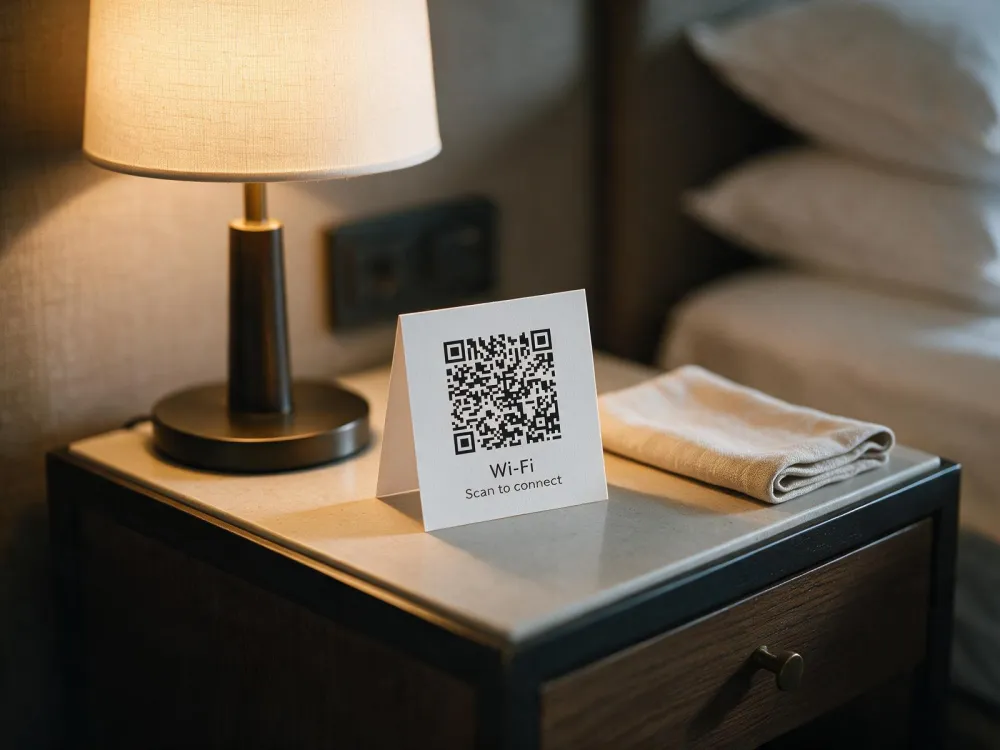
We printed the same code at five sizes
I printed the same code at 22, 27, 31, 38 and 52 mm, then decoded each size ten times under five levels of blur and three levels of contrast. Seven hundred and fifty decodes in total, with a couple of degrees of random rotation on every frame, because nobody holds a phone square.
| Print width | 2 px blur | 3 px blur | 4 px blur |
|---|---|---|---|
| 22 mm | 10 / 10 | 6–9 / 10 | 0 / 10 |
| 27 mm | 10 / 10 | 10 / 10 | 7–9 / 10 |
| 31 mm | 10 / 10 | 10 / 10 | 9–10 / 10 |
| 38 mm | 10 / 10 | 10 / 10 | 9 / 10 |
| 52 mm | 10 / 10 | 10 / 10 | 10 / 10 |
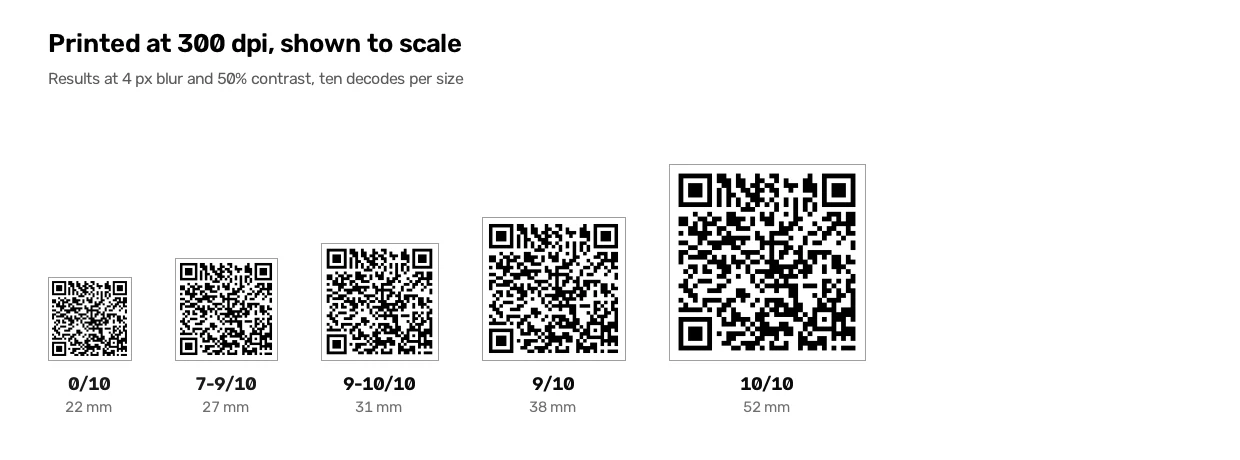
There is no clean cliff. At 22 mm four pixels of blur wiped out every decode, at 27 mm seven to nine survived, and by 31 mm it was nine or ten. I ran the borderline cells twice and the counts moved by a couple of points, which is what happens when the margin is thin. This was a software decoder rather than a phone camera, so treat the table as a rough map and test one printed copy in the actual room.
What it can't do
- The code is static. Whatever you put inside it is what it says in ten years, so a new menu means a new card.
- Nothing is recorded, here or anywhere else. That is also why there is no account to create.
- You get a 320 × 320 PNG and nothing else. If the job needs an SVG or a PDF, this is the wrong tool for it.
- Once a code is printed, this page cannot rescue it. When a scan fails, the fix is usually ink, contrast or paper size.
Questions people ask
Does my Wi-Fi password leave this page?
No. The pattern is built on your own device, so the password never travels to us. The only outside request is Cloudflare's page counter. It does not use cookies, and it cannot see what you typed.
Will the code stop working after a while?
No, and there is nothing to renew. The code contains the network details and nothing else, so no server can go down and take it with it. Change the Wi-Fi password and the old card stops matching, so you print a new one.
Can I put my logo in the middle?
Yes. A PNG, JPG or SVG up to 2 MB goes in the middle, and the error correction is set high enough that a camera still reads the code when the centre is partly covered. Also, leave the white padding on if your logo has thin strokes, and keep the logo clear of the three square markers at the corners, because the camera finds those first.
How big should I print it?
30 mm for a card on a table. That is where our own test stopped failing. If people scan from further away, go bigger. The old rule still works: about a tenth of the scanning distance, so 3 cm for 30 cm and 30 cm for 3 metres.
Guides for one kind of place at a time
Each guide below is written for one kind of place. A hotel corridor and a café table have different problems, so the advice is different too.
Restaurants
Table tents and the bar. The bar side of a room is darker than the window seats, so the code there needs to be bigger than 30 mm.
Read the guideHotels
Front desk, lift lobby and bedside table. The bedside card gets read in lamp light at midnight, which changes what paper and ink you should use.
Read the guideAirbnb hosts
Stick the code in the welcome book and on the fridge door. Guests stop messaging you to ask for a password they could have scanned.
Read the guideCafés
Table tents and menu boards. The thing that ruins them is afternoon sun on a laminated surface.
Read the guideOther guides: guest Wi-Fi security, testing a code before printing fifty of them, why these codes never expire, and codes that point at a link.